How to update your program contact listing
Graduate Coordinators may now update your graduate program contact list by opening https://smartsheet-view.vercel.app/view/graduate-program-contact-list. You no longer need a Smartsheet account—only the contributor login for this site. Questions or problems: gradschool@wsu.edu
Please note the list is widely shared as a method of connecting prospective students, current students, staff, and faculty with the appropriate graduate program contacts. It is not a definitive list of degree offerings.
Instructions
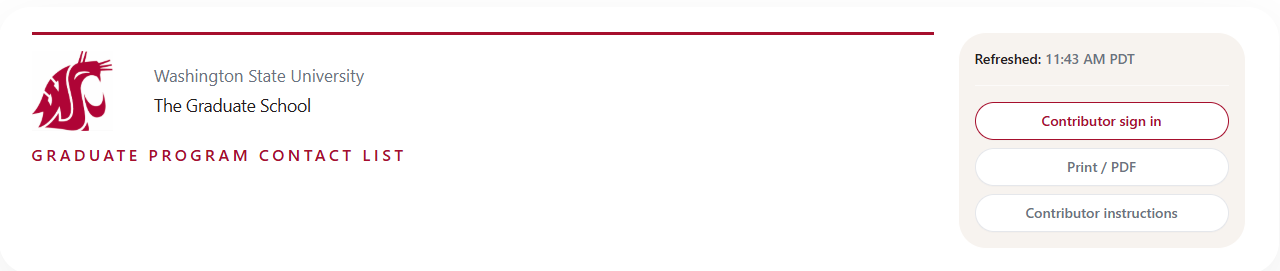
Start by creating an account. In the header or status area, use Contributor sign in.
On your first visit, choose First-time access, enter your @wsu.edu email, and create a contributor password (not your WSU password). You can register only if your email is already on your program row in the sheet behind this page.
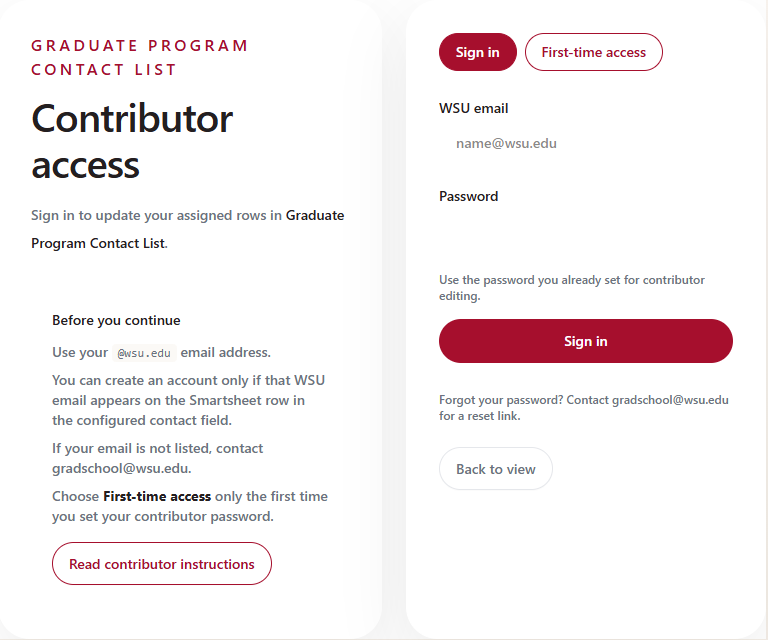
Later visits: choose Sign in with the same email and contributor password. If you forget your password, contact gradschool@wsu.edu for a reset link.
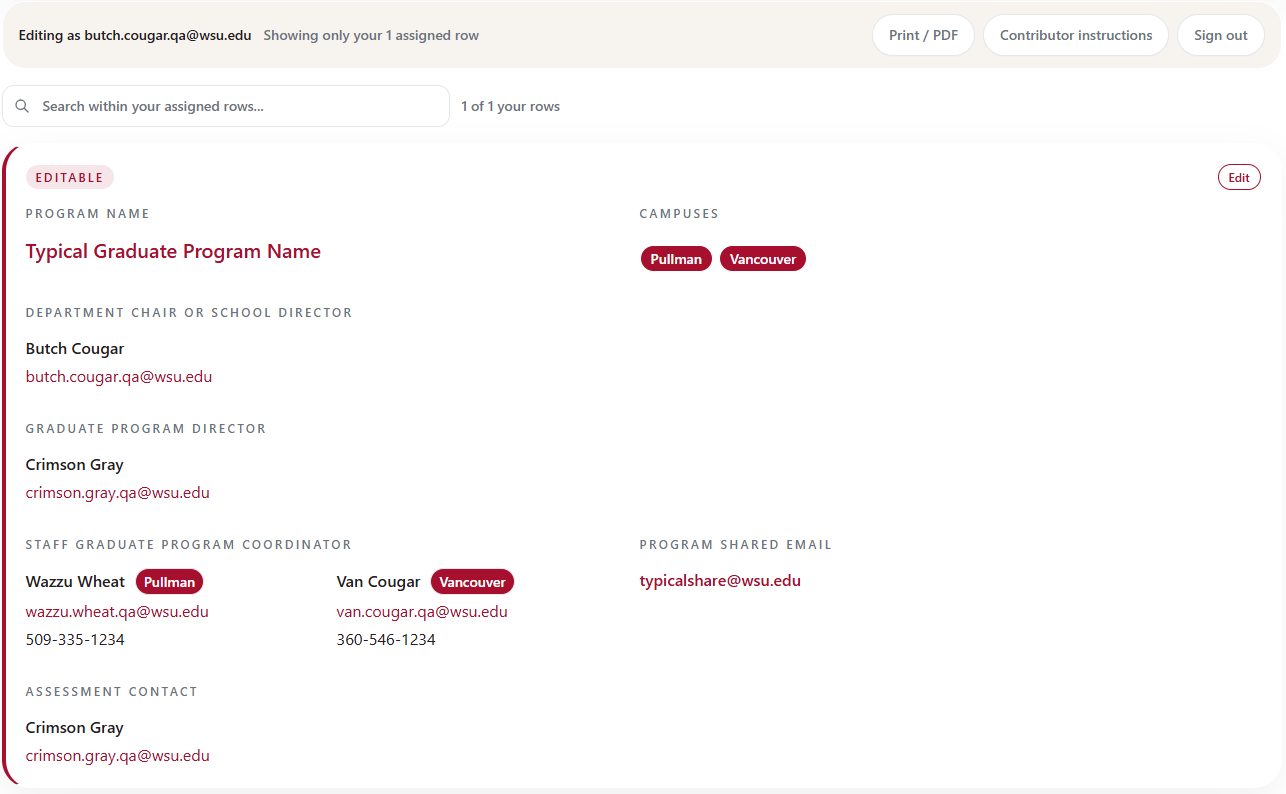
Your programs will be shown after sign-in. Only rows where your email is authorized show the Edit link in the top right corner of the card. Other programs may be visible but are not yours to edit. If you are not able to edit, it is because your email contact is not on the sheet. Any listed program contact can edit and add personnel, or you may request help at gradschool@wsu.edu
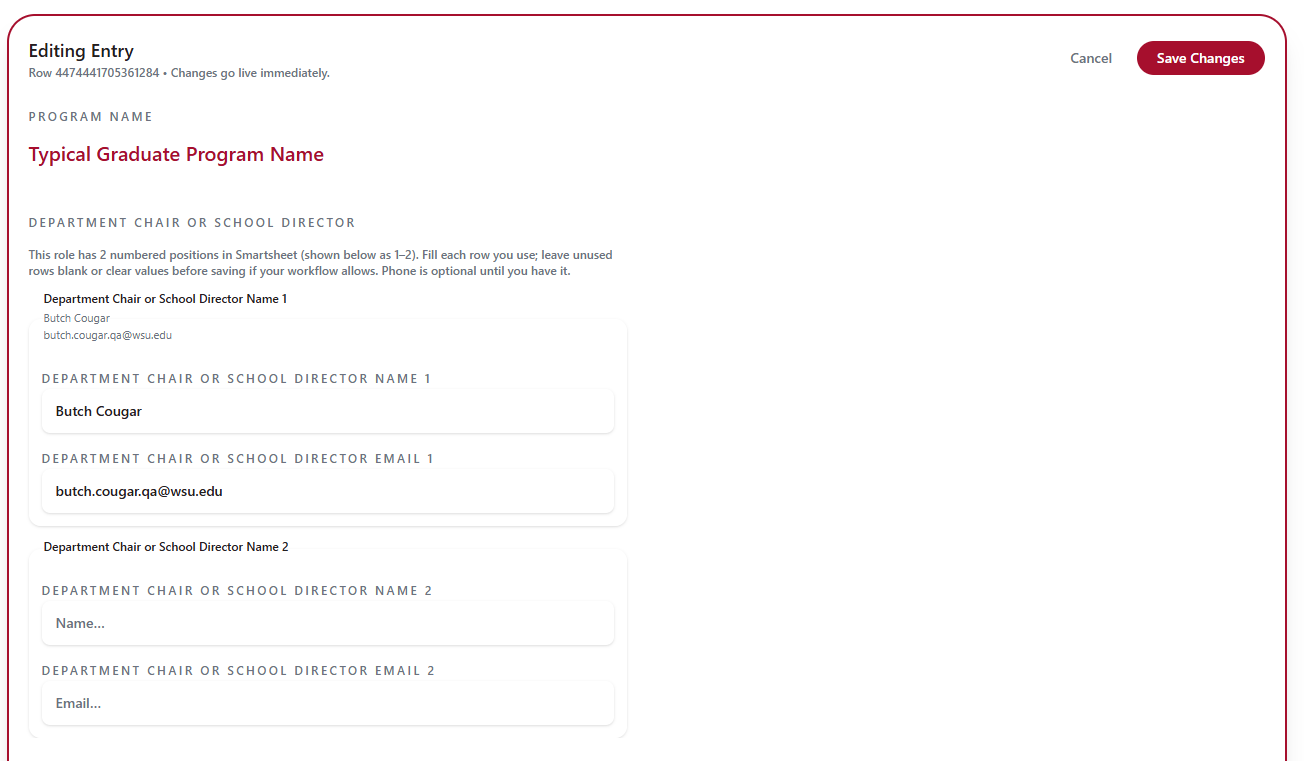
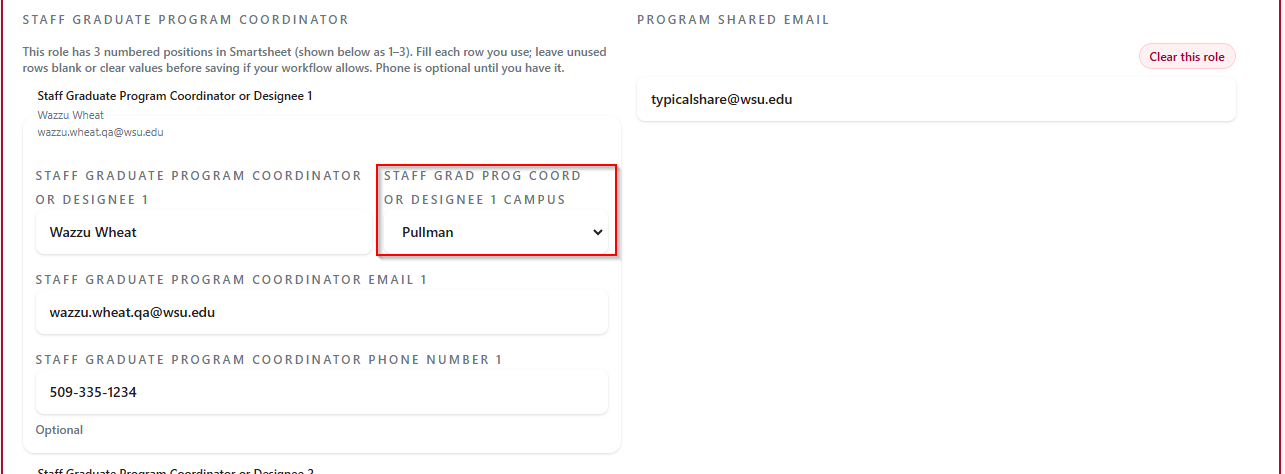
Once you select edit, you see the entire card with editable fields. Please ensure these contacts are accurate. If a role needs to be removed, simply clear the field. Role reordering is the same, simply move contacts to the appropriate fields.
As this is a contact list, you may select the campus indicator badge for Graduate Coordinators to help students connect with the correct campus contact.
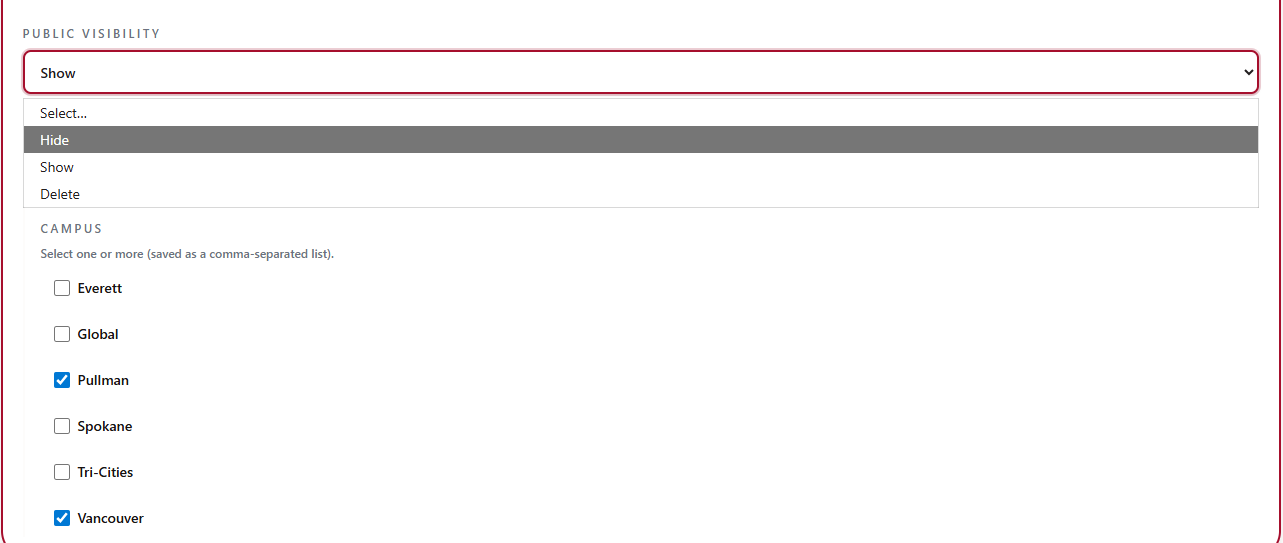
Two other settings include
- Public Visibility with Show (default), Hide, or Delete as options. If you are combining cards to make contacts easier and you have a redundant row, you may set Public Visibility to Hide or Delete.
- Campus. Currently each campus has a separate card. If it is appropriate for your program, you may combine cards by selecting multiple campuses. These will show as badges at the top of the card. Cards no longer needed may be set to Hide or Delete.
Important Last Step
Save Changes when complete
If something fails, read the error and try again. Still stuck? Email gradschool@wsu.edu with the page address, program name, time, and exact message.